Monday, May 20, 2013

Introducing Keyword Planner: combining the Keyword Tool and Traffic Estimator into One

Behind every successful AdWords campaign are well planned out keywords and ad groups. In the past, you may have relied on tools like the Keyword Tool and Traffic Estimator to identify new keywords and ad groups, get traffic estimates, and choose competitive bids and budgets. Over time however, we’ve heard from you that having two tools for search campaign building was cumbersome.

We’re constantly working to simplify the process of building campaigns, and today we’re happy to announce the launch of a new tool, Keyword Planner, which combines the functionality of the Keyword Tool and Traffic Estimator into a smooth, integrated workflow. You can use Keyword Planner to find new keyword and ad group ideas, get performance estimates for them to find the bid and budget that are right for you, and then add them to your campaigns. You’ll also see some new features in the tool - some of which we’ll highlight below.

Find new keyword and ad group ideas
To find new keyword and ad group ideas, use Keyword Planner just like you would the Keyword Tool. You can search for ideas related to a keyword, your website, or a category. A new feature in Keyword Planner also allows you to ‘multiply’ keywords, or combine two or more keyword lists to generate new keywords. Unlike Keyword Tool, where you were only able to target countries, you'll now be able to target individual cities and regions within a country. Also, for each keyword idea you'll only get statistics that are specific to that exact term.  To decide what keyword match type to use, you'll have to add the keyword to your plan and look at performance estimates for each match type.


Add keywords and ad groups to a plan
Next, you can review your keyword and ad group ideas and add them to a plan. Think of a plan as a shopping cart of ideas that you can add to a current or new campaign. While you build your plan, you can add ideas, delete ideas, and change your bid range to see total estimated clicks and cost. When you’re done building your plan, you can click “Get estimates and review plan” to pick a specific bid and get more detailed estimates.


Get performance estimates
When you review your plan, you’ll see a graph with a range of max CPC bids and daily performance estimates for your keywords and ad groups. To see more detailed estimates, you can select a bid (and optionally, a budget as well). You can also update your targeting settings, keywords, and ad groups to further refine your estimates. For example, you can change all your keywords in an ad group to phrase or exact match to see how this could affect performance.


When you’re satisfied with your plan, you can apply it to a new or existing campaign or download it to implement later.

With the launch of this new, combined tool, we will be sunsetting the Keyword Tool and Traffic Estimator in about 60 days. Please view this article for an in-depth look at the differences between using Keyword Tool and Keyword Planner.  Going forward, you'll have to log in to AdWords to use Keyword Planner, which will enable you to get customized results and estimates. We hope that this integrated workflow will help you build and grow your campaigns even more efficiently. To learn more about Keyword Planner, you can also visit the AdWords Help Center.

Posted by Deepti Bhatnagar, Product Manager, AdWords

Friday, May 17, 2013

Reach local customers searching on Google Maps

Whether they are searching for a rental car near their office or a bakery close to a relative’s house, people expect fast, relevant and useful results from Google Maps. Great local commercial listings have always added useful information to Google Maps and helped businesses connect with consumers.

Ads in the new Google Maps
This past Wednesday at I/O, Google’s annual platform developers event, we provided a glimpse of the future of Google Maps. The new Google Maps instantly draws immersive, uniquely tailored maps for each person that adapt with every click and search to highlight the things that matter most.

We’re testing new ways to show ads in the new Google Maps:
  • Search ads with location extensions can appear directly on the map and just below the search box
  • Search ads without location extensions can appear just below the search box
Ads can appear just below the search box and directly on the map

Just like in the current version of Google Maps, the best way to have your ads seen by potential customers in the new Google Maps is to run search ads with location extensions. You’ll also need ensure you’re including search partners in your campaign network settings to appear on Google Maps.

Thursday, May 16, 2013

Upcoming Learn with Google webinar: Driving Deeper Engagement with your App Users

With over 85 billion app downloads across the Google Play and Apple App stores, advertisers need to know how to promote their apps as efficiently as possible. They need to understand what channels drive the most engaged users and find ways to increase user engagement within their apps. With AdWords, advertisers can accomplish these goals by attributing app downloads to the right channels, measuring in-app activity, optimizing media spend towards the most valuable channels and reaching existing users with targeted messages.

Join Google on Tuesday, May 21st (10am PT/1pm ET) for a webinar about how you can drive deeper engagement with your app users. The webinar will walk you through Google’s basic app promotion tools and introduce new features.

Sign up for our webinar today by registering here.

We look forward to seeing you on May 21st!

Posted by Cameron Grace, Display Product Launch Lead

A fresh look for AdWords Express

Today, when you log into AdWords Express, you’ll notice a brand new look. We’ve listened to your feedback and worked with a lot of small businesses to streamline the AdWords Express experience. It’s part of our ongoing efforts to make Google products more beautiful and efficient.

Clearer stats and reporting graphs
Small business owners have told us that they’re busy and that they don’t want to spend time looking for the information they need. We redesigned the dashboard to show you at a glance how many views, clicks and calls your ad has generated. There’s a simple pie chart for tracking your monthly spending, and you can also compare results over time with the new performance graph.


A faster, simpler signup
We’ve made some significant improvements to the signup experience. Now there are just 3 steps to start advertising: select your audience, create your ad, and select your budget. Getting your ad set up shouldn’t take more than a few minutes.


Real-time ad previews
With the new real-time ad preview box, you can now see your ad created right as you type.  Just hover over the icons to preview all the ad formats that are available based on the text you provide. Try it out by creating an ad at google.com/adwords/express.


We’re constantly working to improve the AdWords Express user experience to make it easier for small businesses to get their ads online. Keep the feedback coming!

Posted by Cinthya Mohr and the AdWords Express User Experience Team

Tuesday, May 14, 2013

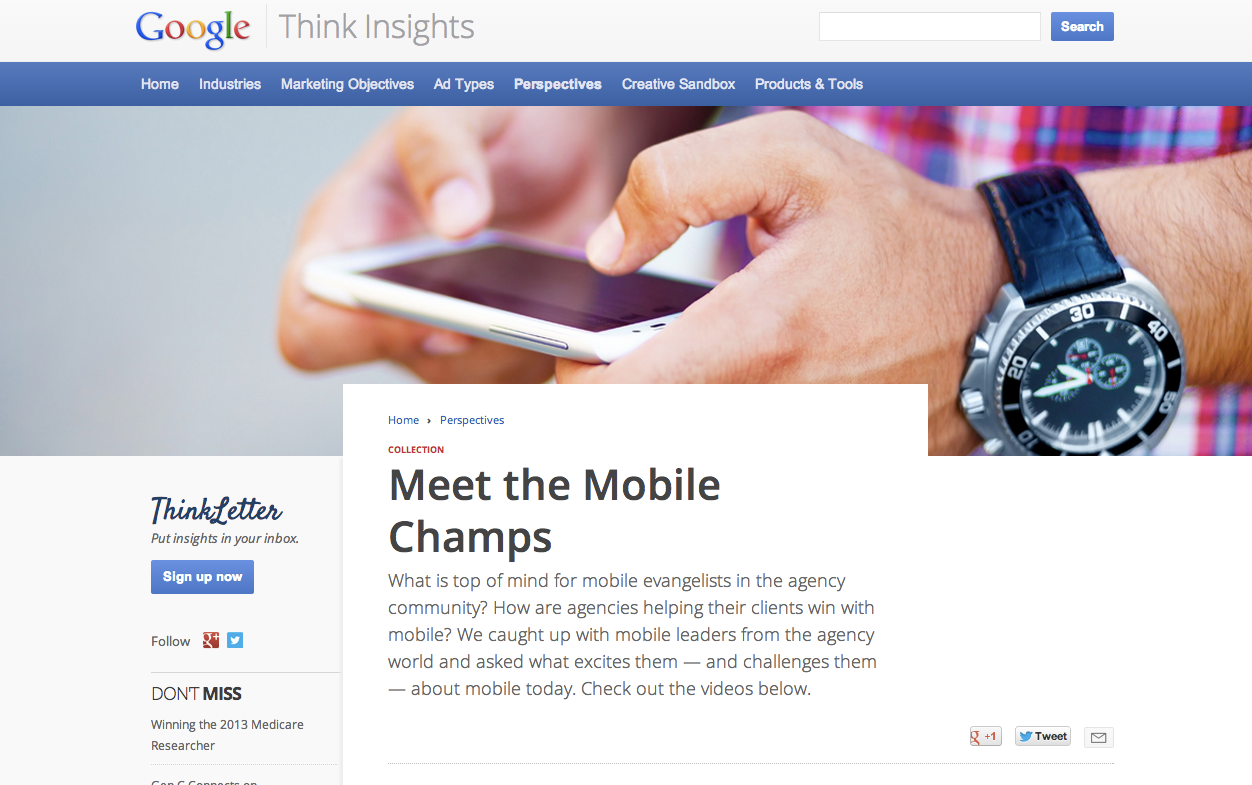
Meet the Mobile Champs: Introducing a new series of video interviews with mobile thought leaders

What is top of mind for mobile leaders in the agency community?  How are agencies helping their clients win with mobile?  In an effort to better understand the challenges that agencies face when it comes to mobile, and to strengthen our efforts to help them tackle and overcome these challenges, we decided to bring together a group of mobile evangelists from the agency world.  At a recent event in New York City, we asked a few of these mobile leaders what excites them - and what challenges them - about mobile today.  Today, we are excited to share these interviews with you on Think Insights, Google’s hub for marketing insights and inspiration for advertisers and agencies. 


One of the topics that we found to be top of mind for everyone is the challenge of mobile measurement in a multi-screen world.  "We need to get beyond the old metrics of the Internet, television and print, and define what the new metrics are for mobile engagement," shared Jeffery Hinz, Managing Partner & US Digital Director at MediaCom.  Zach Morrison, VP & Director of SEM at Elite SEM, outlines the so-called "holy grail" of understanding consumer behavior across multiple devices to see the full customer journey.  As Morrison says, "The first thing people do in the morning is wake up and grab their phones and the last thing they do at night is do something on their tablet - I think the next biggest thing is tying it all together."

We also spoke with our mobile champs about topics ranging from brand building strategies to showrooming to where they think mobile is headed next.  Be sure to check out the full interviews on Think Insights.  We hope you will find what these mobile thought leaders had to say as interesting and thought-provoking as we did.

Posted by: Samantha Podos Nowak, Product Marketing Manager, Mobile Ads

Monday, May 13, 2013

New on Think Insights: Building websites in a multi-device world

People are constantly connected and moving from one device to another to communicate, shop and stay entertained. They expect a great browsing experience regardless of what device they use - PC, laptop, tablet, smartphone, hybrid device, mini-tablet and television. 

Creating a great website experience for consumers across all devices can help businesses generate more engagement and increase conversions. We want to support you in finding the right strategy for your business and help answer key questions related to user experience and website creation. So, today we’re launching a new initiative on Think Insights dedicated to multi-device web strategies: www.google.com/think/multiscreen


We understand that the key to success in a multi-screen world is to deliver a great user experience across devices and specifically address user needs based on context. Our new Think Insights page offers tips for businesses on how to approach multi-device websites and outlines different implementation options. We're also providing links to helpful resources, like a testing tool to analyze your website's load speed, examples of great multi-device user experience, and a list of partners that can help you get started.

This is part of our ongoing effort to provide you with industry-leading best practices, technical guidance and third party services that can help you optimize your site across screens. To stay up-to-date on the latest content added to the site, please subscribe to our monthly
Think Letter.

Posted by N
abil Haschemie, Product Marketing Manager, Mobile Ads

Thursday, May 9, 2013

Important Changes to AdWords Terms & Conditions In Some Countries

The following changes apply to customers in all countries and territories in the Asia Pacific region, except China, Korea, Taiwan, and India

If you’re using AdWords, you’ve agreed to our Terms and Conditions. These are important so we have a common understanding in basic areas like policy, cancellation, payment, dispute resolution and liability.

With the advancements in our ad platforms and global growth, we need to make a few changes to keep up. So today we’re rolling out a new set of Terms and Conditions to many AdWords customers throughout the Asia Pacific region (full list).

What’s New
One of the main changes you’ll notice in the updated terms is that they accommodate new advertising products and services. For example, we now offer third-party ad serving in some situations, so you’ll see provisions about how we resolve ad serving disputes. Other changes include updated links to our policies and better consistency among our advertising terms globally.

Important Action Needed
You’ll have 45 days to review and accept the new AdWords Terms and Conditions. If you don’t accept them within 45 days, your ad serving may be paused until you’ve reviewed and agreed to them.

To review and accept the new AdWords Terms and Conditions, just sign in to your account at https://adwords.google.com. You’ll automatically be taken to a page with the updated terms and conditions. Then click to indicate your acceptance.

Not seeing the new terms when you sign into your account?
Don’t worry! If you’re not seeing the new terms when you sign into your account, there’s nothing more for you to do right now. Because we’re updating the new terms on a rolling basis, you may be scheduled for a later time. Or your terms may already have been accepted by someone you’ve authorized to act on your behalf (for example, an advertising agency, or someone you’ve authorized to be financially responsible for your accounts).

More Information
We encourage you to read through the updated terms carefully.  For more information about this change to our Terms and Conditions, including a complete list of countries and territories where these changes apply, please visit the AdWords Help Center.

Posted by Inside AdWords Crew